
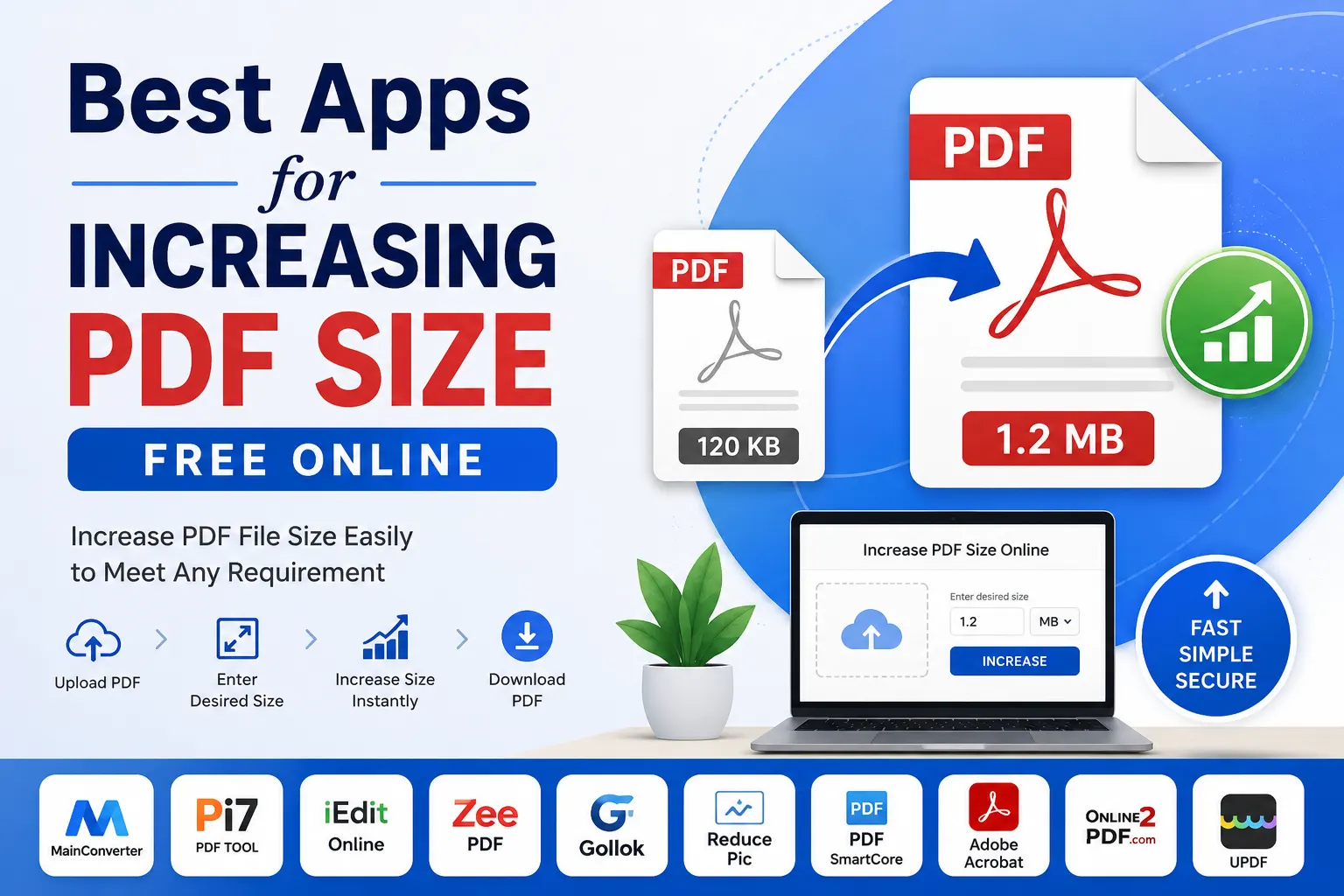
If you have a PDF that is too small and an online portal requires a minimum file size, you may need to increase the PDF file size without changing its essential content.
For example, a website may require a PDF to be at least 100 KB, 200 KB, 500 KB, 1 MB, or another specified size. In such cases, a PDF size increaser can be useful.
In this guide, we compare some of the best PDF size increaser tools and apps you can use online or on your computer.
Best PDF Size Increaser Tools
Here are some useful options:
- Mainconverter PDF Size Increaser
- Pi7 PDF Tool
- iEditOnline
- ZeePDF
- Gollok PDF Size Increaser
- ReducePic PDF KB Increaser
- PDFSmartCore
- Adobe Acrobat
- Online2PDF
- UPDF
1. Mainconverter PDF Size Increaser — Best Overall
If you need a quick way to increase a PDF to a specific file size, Mainconverter PDF Size Increaser is a convenient option.
The tool is designed specifically for increasing PDF file size. Instead of manually adding content or changing the document layout, you can upload your PDF and specify the size you need.
How to increase PDF file size using Mainconverter:
- Open the MainConverter PDF Size Increaser.
- Upload the PDF from your device.
- Enter your desired file size.
- Click Increase.
- Download the resulting PDF.
The simple upload-and-process workflow makes it useful when you need to prepare a PDF for an online application or submission with a minimum file-size requirement.
Try it here: Mainconverter PDF Size Increaser
2. Pi7 PDF Tool
Pi7 provides a dedicated Increase PDF Size tool that lets users specify a target size in KB. Its documentation says users can increase PDFs to sizes such as 100 KB, 200 KB, 300 KB, 500 KB, 1 MB and more.
The process is straightforward:
- Select your PDF.
- Enter the required size.
- Click Increase Size.
- Download the processed PDF.
Pi7 also offers a separate PDF resizing tool for increasing or decreasing PDF size to a specified KB value.
3. iEditOnline
iEditOnline has a dedicated Increase PDF Size tool for users who want to enlarge the file size of a PDF online.
It is designed for situations where a PDF may need to meet a minimum file-size requirement or where users want to improve aspects such as resolution and print quality.
The service states that its PDF size increaser can be used without creating an account.
This can be useful when you want a simple browser-based solution without installing desktop software.
4. ZeePDF
ZeePDF provides an online Increase PDF Size tool that allows users to upload one or more PDF files and enter a target size in KB.
The basic workflow is:
- Select your PDF.
- Enter the target size.
- Click Increase PDF Size.
- Download the result.
This makes ZeePDF another option for people dealing with PDF submission requirements.
5. Gollok PDF Size Increaser
Gollok offers a dedicated PDF size-increasing tool with controls for target file size and PDF expansion. Its interface includes options such as KB padding and exact KB matching.
This is particularly relevant when you need to make a PDF larger without manually adding unnecessary pages or content.
6. ReducePic PDF KB Increaser
Despite its name, ReducePic also provides a PDF File KB Increaser.
The tool is intended for situations where a PDF needs to meet a particular minimum size. Users can upload a PDF and specify the target file size in KB.
It can therefore be considered when your main requirement is increasing the file’s size rather than changing its page dimensions.
7. PDFSmartCore
PDFSmartCore is an online PDF toolkit that includes a specific PDF Size feature capable of reducing or increasing PDF file size. The site describes its tools as free and browser-based.
It is more of an all-in-one PDF toolkit than a dedicated size increaser. You can also use it for tasks such as merging, splitting and converting PDFs.
8. Adobe Acrobat
Adobe Acrobat is one of the better-known PDF applications and provides advanced controls for PDF creation and optimization.
Acrobat includes a Larger File Size option when creating PDFs from combined files. Adobe explains that this setting uses a high-quality print conversion preset and can result in a larger final PDF.
Acrobat is more appropriate when you need broader PDF editing and document-management features rather than simply entering a target size such as 500 KB.
Adobe also provides detailed controls over images, fonts, transparency and other PDF components. Higher image resolution, for example, can increase file size.
9. Online2PDF
Online2PDF is another useful option, although it approaches the problem differently.
Its Expand PDF Page Size tool allows you to increase the width and height of PDF pages. You can select files and adjust page dimensions before processing the document.
This is useful when by “increase PDF size” you actually mean increase the physical page dimensions, rather than increase the number of KB or MB in the file.
10. UPDF
UPDF is a desktop and mobile PDF application with tools for editing and modifying PDFs.
Its guide explains that users can enlarge PDF page dimensions by adjusting page settings, although some of the more advanced functionality may require a paid version.
UPDF is therefore better suited to users who need a complete PDF editing application rather than a single-purpose online file-size increaser.
Which PDF Size Increaser Should You Use?
The best choice depends on what you mean by “increase PDF size.”
| Tool | Increase File Size | Target KB/MB | Change Page Dimensions | Best For |
|---|---|---|---|---|
| MainConverter | Yes | Yes | No | Specific KB/MB requirements |
| Pi7 | Yes | Yes | No | Specific KB/MB requirements |
| iEditOnline | Yes | Yes | — | Online PDF enlargement |
| ZeePDF | Yes | Yes | — | Target KB sizes |
| Gollok | Yes | Yes | — | Exact size/padding |
| ReducePic | Yes | Yes | — | PDF KB requirements |
| PDFSmartCore | Yes | Yes | — | General PDF tasks |
| Adobe Acrobat | Sometimes | Limited | Yes | Professional PDF work |
| Online2PDF | Mainly page size | — | Yes | Page dimensions |
| UPDF | Mainly page/content | — | Yes | PDF editing |
A key distinction is important: PDF file size and PDF page size are not the same thing.
A PDF can have an A4 page size but be 100 KB, 500 KB or 5 MB. Increasing the physical dimensions of the page does not necessarily produce the exact file size required by an upload portal.
If your requirement is something like “make this PDF 500 KB”, use a tool specifically designed to increase the file size.
How to Increase File Size of PDF Online
The easiest method is to use a dedicated PDF size-increasing tool.
With Mainconverter PDF Size Increaser, the process is simple:
Step 1: Upload your PDF
Open the tool and select the PDF file from your device.
Step 2: Enter the desired file size
Enter the target size required by the website or application. For example, you may need a specific size in KB or MB.
Step 3: Increase the PDF size
Click the Increase button to process the document.
Step 4: Download the PDF
Once processing is complete, download the new PDF and check its file size before uploading it to the destination website.
Increase your PDF size now: Use Mainconverter PDF Size Increaser
Frequently Asked Questions
Can I increase PDF size online for free?
Yes. Several online tools offer PDF size-increasing functionality. Mainconverter, Pi7, iEditOnline, ZeePDF, Gollok and ReducePic are examples of tools designed for this purpose.
How do I increase PDF size to 500 KB?
Use a PDF size increaser that accepts a target size. Upload your PDF, enter 500 KB, select the increase option and download the resulting file.
MainConverter provides a simple workflow for this purpose.
Can I increase a PDF from 100 KB to 1 MB?
Yes. Dedicated PDF size-increasing tools can be used to target a larger file size. For example, Pi7 documents support increasing PDF files to sizes such as 1 MB and other specified values.
Does increasing PDF size improve quality?
Not necessarily.
A larger file size does not automatically mean better quality. PDF size can depend on images, fonts, metadata, compression and other components.
If your objective is better print quality, use a tool that lets you control image resolution and PDF output settings rather than simply adding file-size padding.
Can I increase PDF size without changing the page size?
Yes. Some dedicated PDF size increasers are specifically designed to change the file size while keeping the document’s page dimensions unchanged. Pi7, for example, states that its increase-size tool can maintain page size while increasing the file size.
What is the difference between KB and MB?
KB and MB are units used to describe digital file size.
Generally:
1 MB is approximately 1,000 KB when using decimal units.
Some operating systems and applications use binary measurements, so the displayed values can differ slightly.
Can I increase PDF size on my phone?
Yes. Browser-based PDF tools can be accessed from smartphones without installing desktop software. Other PDF applications also provide mobile versions or mobile-friendly workflows.
Is it possible to increase PDF size without adding pages?
Yes. A dedicated file-size increaser can increase the amount of data in a PDF without requiring you to add unnecessary pages.
Final Thoughts
Increasing a PDF’s file size is different from compressing a PDF or changing its page dimensions.
If you simply need to meet a minimum file-size requirement, a dedicated PDF size increaser is usually the most convenient option.
For a fast and straightforward solution, start with MainConverter PDF Size Increaser. Upload your PDF, enter the desired file size and click Increase.
Increase your PDF size with Mainconverter for free
If you need other PDF functions such as compression, conversion, editing, merging or page resizing, the alternatives discussed above can also be useful.