Converting multiple PNG images into a single PDF makes sharing, printing, and organizing visual files effortless. Our PNG to PDF Converter tool allows you to combine your images in seconds without requiring extra software or account registration.
PNG to PDF Converter
Upload, reorder, rotate, and convert your PNG images into a single PDF document.
How to Convert PNG to PDF in 3 Simple Steps
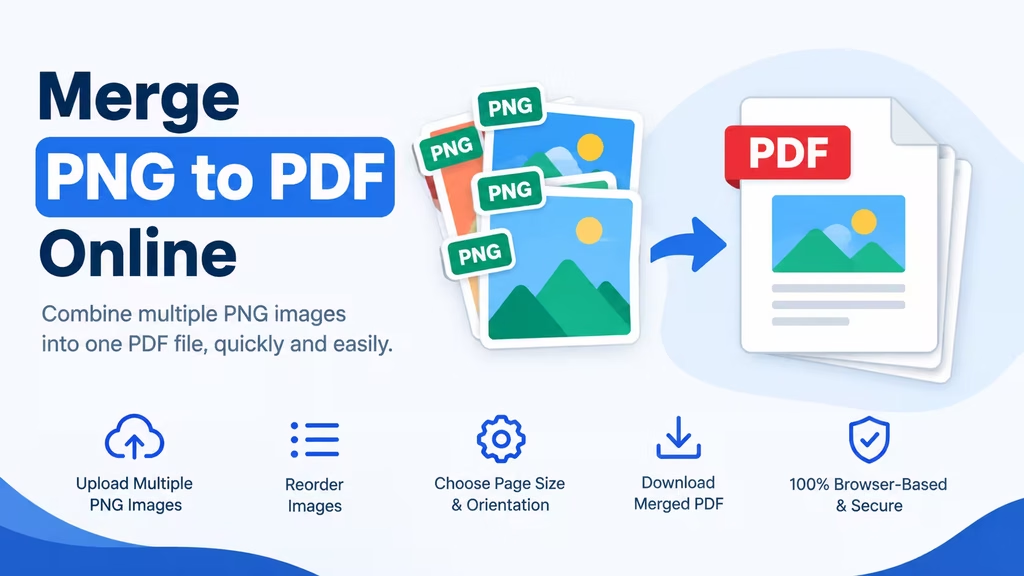
- Upload Images: Drag and drop your PNG files into the upload area, or click to browse your local device.
- Arrange and Adjust: Reorder your images by dragging them into place, and use the rotate button on any card to fix orientation.
- Download PDF: Click the “Download PDF” button to process your images and instantly save the merged document to your device.
Related: PDF to JPG Converter
Portable Network Graphics to PDF
Transform your files instantly with our free tool, designed to easily convert any portable network graphics image to PDF format in just a few clicks. Whether you are working with high-resolution screenshots, digital illustrations, or transparent web graphics, our converter seamlessly merges them into a single, universally readable document. Simply upload your files, adjust the page layout, and let our fast engine do the heavy lifting.
Frequently Asked Questions
Will I lose image quality when converting PNG to PDF?
No. Our converter uses high-fidelity rendering to ensure your PNG images retain their original resolution and clarity. Your final PDF will look just as sharp as your source images.
How to Change PNG to PDF
The fastest way to change PNG to PDF is by using our free PNG to PDF converter tool located right at the top of this page. Whether you have a single high-resolution PNG image or a whole gallery of photos you want to merge into one document, our browser-based tool handles it in seconds without requiring you to install any software.
Is it safe to upload my images to this converter?
Absolutely. Your privacy is our priority. All uploaded files are processed securely and are automatically deleted from our servers within 1 hour of conversion. We do not view, share, or store your documents.
Can I convert PNG to PDF on my phone or tablet?
Yes. Our tool is fully mobile-responsive. You can upload images directly from your phone’s camera roll or files app and download the converted PDF right to your mobile device.
What is the maximum file size I can convert?
You can upload PNG files up to 50MB each. If you need to convert larger files, you can use our tool for free without any daily limits on the number of conversions.
Read: How to Convert Picture to PDF on iPhone: 5 Easy Methods
Ready to get started?
Bookmark this PNG to PDF Converter page to convert PNG files to PDF in future.