
Compress AVIF images online for free without sacrificing visual quality. Reduce image file sizes instantly in your browser with complete data privacy and zero upload limits.
How to Compress AVIF Files Online
- Upload your file: Drag and drop your
.avifphoto into the drop zone, or click the box to select a file from your computer or phone. - Select target quality: Adjust the slider to set your target compression strength (65% offers the ideal balance between quality and small file size).
- Compress the image: Click the Compress Image button to trigger instant client-side processing.
- Download the result: Check your file size reduction percentage and click Download Compressed Image to save the optimized file.
About the Tool
This AVIF compressor uses HTML5 Canvas APIs to handle all image calculations locally on your device. Traditional online converters require you to upload heavy media files across slow networks, but this tool works completely offline once loaded.
- 100% Data Privacy: Your files never leave your browser, making it completely secure for confidential photos or document images.
- Zero Network Latency: Skipping server uploads delivers immediate results even on slow or unreliable internet connections.
- Customizable Compression: Full control over quality settings lets you tailor compression rates for web design, apps, or archival storage.
- No File Limits: Compress as many AVIF images as you want without account sign-ups, subscriptions, or daily limits.
Summary
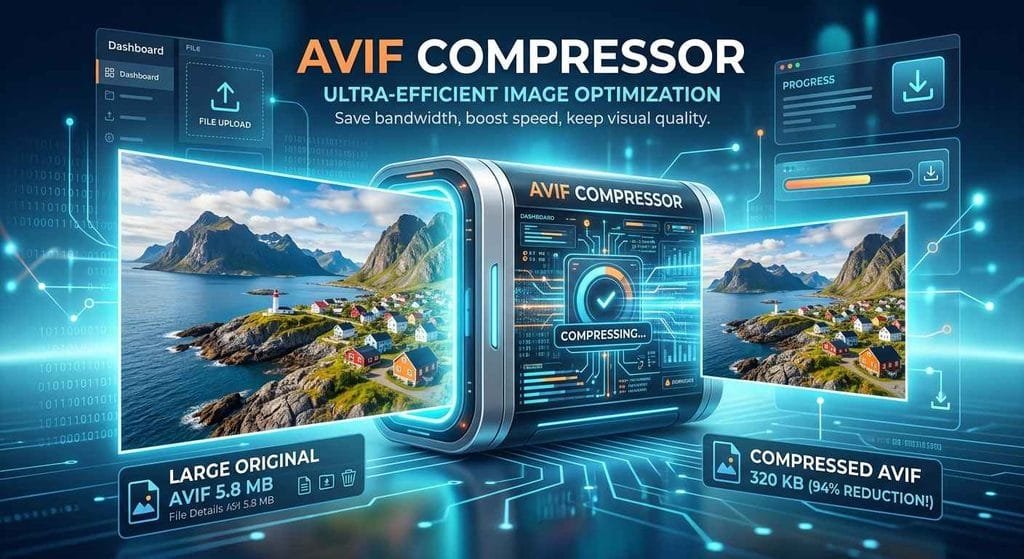
Optimizing AVIF images is critical for maintaining high performance on modern websites and web applications. This lightweight, browser-based compressor provides instant size reduction with maximum privacy guarantees. Use it whenever you need to trim image weight, improve page load metrics, and deliver a smooth experience to your audience.