
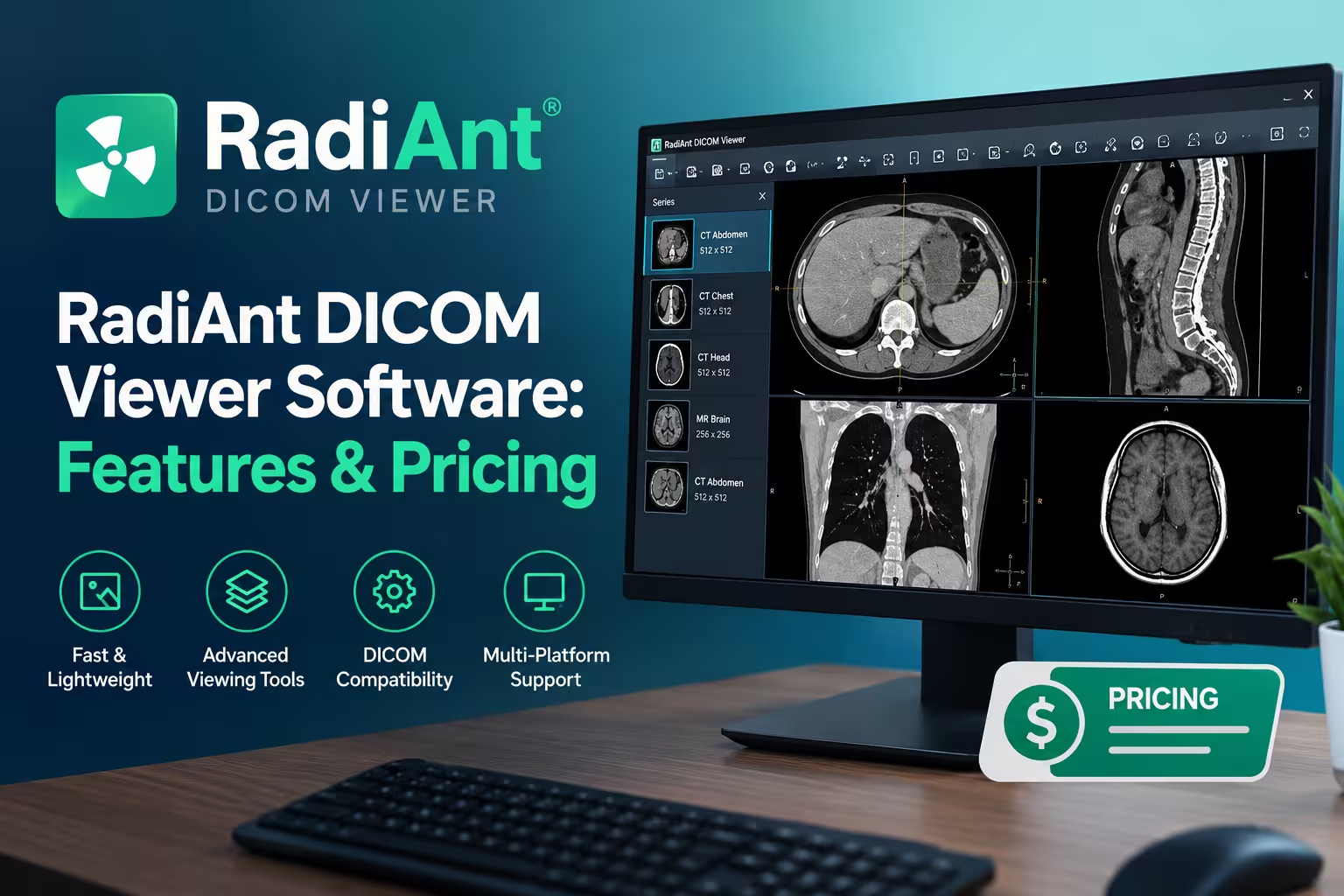
RadiAnt DICOM Viewer is a Windows-based medical imaging viewer used to open, measure, and analyze CT, MRI, X-ray, and ultrasound scans in the DICOM format. It’s lightweight (under 10MB installed), fast, and available as a free trial with paid licenses starting around a few dollars a month. It’s popular with radiologists, dental clinics, and patients who want to view their own scan discs at home.
Below, we break down what it does, how much it costs, how it compares to alternatives, and how to get started.
What Is RadiAnt DICOM Viewer?
RadiAnt is a desktop application made by Medixant, designed specifically to open and display DICOM files — the standard format used for medical images. You can load studies from a CD, DVD, USB drive, local folder, or directly from a PACS (Picture Archiving and Communication System) server.
Unlike bulky hospital-grade PACS clients, RadiAnt runs as a small, self-contained program. It has no additional dependencies like .NET or Java, and both 32-bit and 64-bit versions are optimized for multi-core processors.
Who Uses It?
- Radiologists and clinicians who need a fast secondary viewer alongside their main PACS system.
- Dental and CBCT practices reviewing 3D scans without heavy imaging suites.
- Patients who receive a “scan CD” from a hospital and just want to view their own X-ray, CT, or MRI at home.
- Researchers and students working with anonymized DICOM datasets.
Key Features
Fast, Lightweight Performance
RadiAnt supports asynchronous reading, meaning you can browse images while a study is still loading, plus an advanced memory management system that lets you open studies with thousands of images at once. It runs smoothly even on older, low-spec machines.
Broad Format Support
The viewer reads files from multiple imaging modalities including CR, DX, MG, CT, MR, PT, US, XA, NM, and SC/SR, covering both monochrome scans like CT/MRI and color images such as ultrasound. It handles both compressed and uncompressed DICOM data.
Measurement and Annotation Tools
Built-in tools include length, ellipse, angle, and Cobb angle measurements, plus a freehand pen for annotations. You also get preset window settings for CT (lung, bone, etc.), image rotation and flipping, and calculation of mean, minimum, and maximum pixel values, such as Hounsfield units within a marked region.
3D Reconstruction
RadiAnt includes a 3D reconstruction module supporting multiplanar reconstructions (MPR), maximum intensity projections, and volume rendering. This lets you rebuild a 3D view from a stack of 2D slices.
Study Comparison and Fusion
Users can compare multiple series or studies side by side, use synchronized scrolling between them, and perform image fusion for combined analysis. This is useful for tracking changes across follow-up scans.
Cine and Multi-Frame Playback
The software supports multi-frame and cine loop playback, which is particularly useful for ultrasound and cardiac studies.
Export and Anonymization
You can export images to JPEG, DICOM, or video formats, and use built-in anonymization tools to strip patient data before sharing files. It also supports DSA (digital subtraction angiography) mode with auto and manual pixel-shift.
Portability
RadiAnt can run as a standalone executable without installation, making it highly portable — handy for USB drives or shared clinic workstations.
Multilingual, Touch-Friendly Interface
The interface supports full-screen and distraction-free modes, multi-touch gestures on Windows 8/8.1/10/11 devices, and more than 30 language translations.
RadiAnt DICOM Viewer Pricing
RadiAnt uses a trial-and-subscription model rather than a traditional one-time purchase for new users:
- Free Trial – The trial version includes all features enabled, with minor nuisances like a startup banner and periodic reactivation requirements.
- Subscription Licenses – Paid plans unlock the software without banners, priced per month or per year, with early-renewal bonuses.
- Legacy Permanent Licenses – Older permanent licenses include 12 months of free updates, after which further updates cost roughly 20% of the base license price per year.
- CD/DVD Edition – A separate product for burning DICOM CDs with an embedded viewer, priced per recorder license.
Exact current prices change periodically, so check the official RadiAnt pricing page before purchasing.
How to Get Started
- Download the installer from the official Medixant website (avoid third-party download sites for security).
- Install or run portably — choose the standard installer or the standalone executable if you don’t want to install anything.
- Load your scan by dragging a folder, inserting a CD, or connecting to a PACS server.
- Adjust windowing and zoom to get a clear view, then use measurement tools as needed.
- Export or anonymize images if you need to share them.
RadiAnt vs. Other DICOM Viewers
| Feature | RadiAnt | Typical Free Alternatives |
|---|---|---|
| Installation size | Very small (~7–10MB) | Often larger |
| 3D reconstruction | Yes | Limited or none |
| PACS Query/Retrieve | Yes | Rare in free tools |
| Portable mode | Yes | Varies |
| Platform | Windows only | Some support Mac/Linux |
| Cost | Free trial, paid full version | Free or open-source |
If you need a Mac or Linux-native option, you’ll need to look at alternatives, since RadiAnt is Windows-only (aside from limited virtualization workarounds).
Is RadiAnt DICOM Viewer Safe and Diagnostic-Grade?
RadiAnt is widely used for reviewing and organizing scans, but it’s important to check the software’s current regulatory status and intended use in your region before relying on it for primary clinical diagnosis. Many users treat it as a fast secondary viewer rather than a certified diagnostic workstation — always confirm with your institution’s IT and compliance team.
Conclusion
RadiAnt DICOM Viewer earns its popularity by being fast, lightweight, and packed with genuinely useful tools — 3D reconstruction, measurement tools, cine playback, and PACS connectivity — without the bloat of full hospital imaging suites. The free trial is generous enough for casual or one-off use, like viewing a personal scan CD, while the subscription model suits clinics and professionals who need it daily. If you’re on Windows and need a dependable DICOM viewer, it’s one of the strongest options available.
Frequently Asked Questions
Is RadiAnt DICOM Viewer free?
It’s free to try with all features enabled, though the trial includes minor limitations like a startup banner. A paid subscription or license removes these restrictions.
Can I use RadiAnt on Mac or Linux?
No, RadiAnt is built natively for Windows only. Mac and Linux users typically need a virtual machine or a different DICOM viewer.
Does RadiAnt support 3D imaging?
Yes. It includes a 3D reconstruction module with multiplanar reconstruction, maximum intensity projection, and volume rendering.
Can patients use RadiAnt to view their own scans?
Yes, many patients use the free trial to open a CD or folder of scans provided by their hospital or imaging center.
Is RadiAnt approved for official medical diagnosis?
Regulatory approval and intended use vary by country and version. Check current documentation from the manufacturer and consult your institution before using it as a primary diagnostic tool.
How large is the RadiAnt installer?
It’s very small — roughly 7MB for the installer, with about 10MB of disk space used after installation.
Does RadiAnt work with PACS servers?
Yes, it supports searching, downloading (Query/Retrieve), and opening studies directly from PACS servers, workstations, and modalities.