
PDF Size Increaser
Current Size: 0 KB
Increase PDF size online to any custom KB or MB with our free PDF Size Increaser. Upload your PDF, choose the target size, and download it instantly.
Whether you need to increase PDF size to 100KB, 200KB, 300KB, 500KB, 1MB, or any custom size, our tool provides a quick and hassle-free solution directly in your browser.
Related Tools
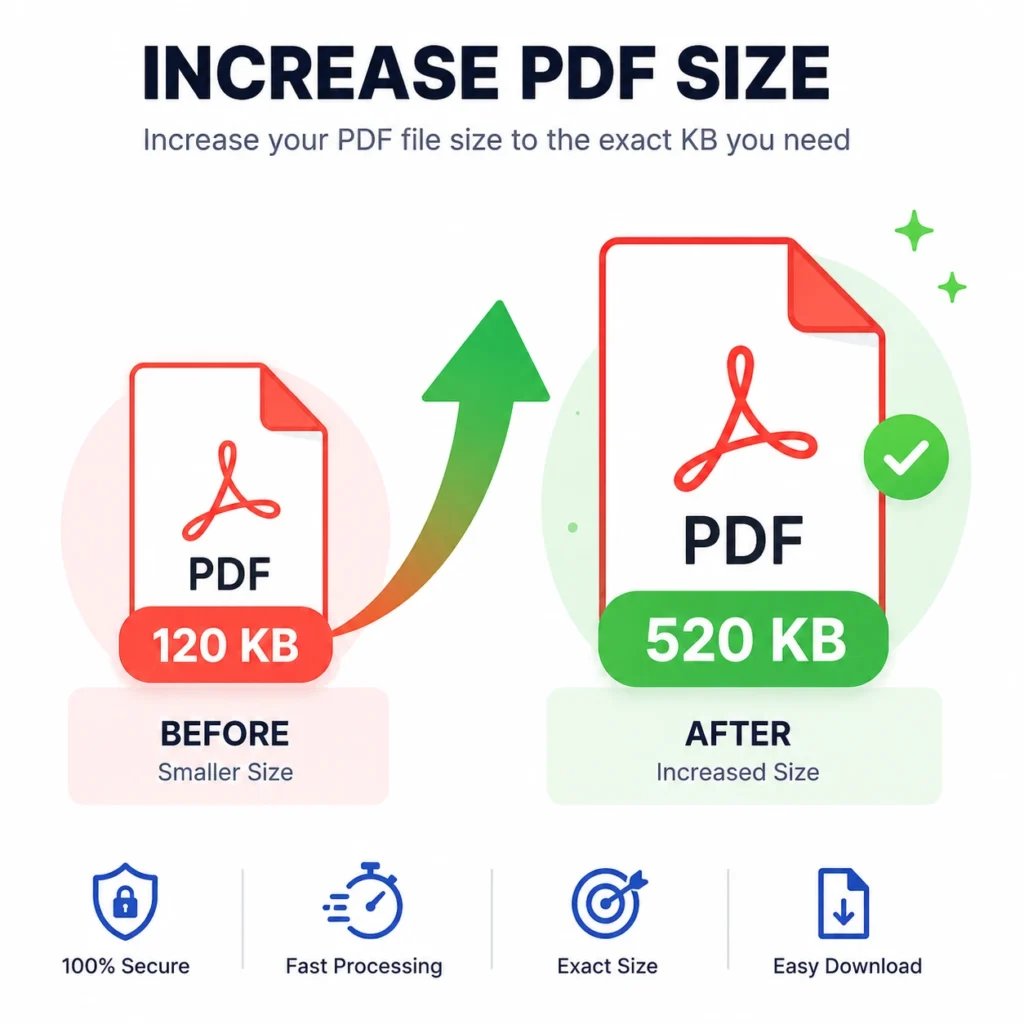
What is a PDF Size Increaser?
A PDF Size Increaser is an online tool that enlarges the storage size (KB or MB) of a PDF document without changing its page dimensions.
How to Increase PDF Size Online
Step 1: Upload your PDF file.
Step 2: Enter your desired output size in KB.
Step 3: Click Increase PDF Size.
Step 4: Wait a few seconds while the tool processes your document.
Step 5: Download your resized PDF.
Features of Our PDF Size Increaser
Our tool is designed for speed, privacy, and accuracy.
Increase PDF to Exact Size
Set your preferred output size in KB or MB.
Examples include:
- Increase PDF to 50 KB
- Increase PDF to 100 KB
- Increase PDF to 150 KB
- Increase PDF to 200 KB
- Increase PDF to 250 KB
- Increase PDF to 300 KB
- Increase PDF to 500 KB
- Increase PDF to 700 KB
- Increase PDF to 1 MB
- Increase PDF to 2 MB
- Increase PDF to 5 MB
Frequently Asked Questions
What does increasing PDF size mean?
It means enlarging the storage size of your PDF (measured in KB or MB) without changing the page dimensions.
Can I increase PDF to exactly 200KB?
Yes. Simply upload your PDF and enter 200KB as the target size.
Can I increase PDF to 500KB?
Absolutely. Enter 500KB before starting the process.
Can I increase PDF to 1MB?
Yes. The tool supports larger custom sizes as well.
Does increasing PDF size improve quality?
Not necessarily. Increasing the file size is mainly intended to satisfy upload requirements rather than enhance the document’s visual quality.
Do I need to install software?
No. Everything works directly in your browser.